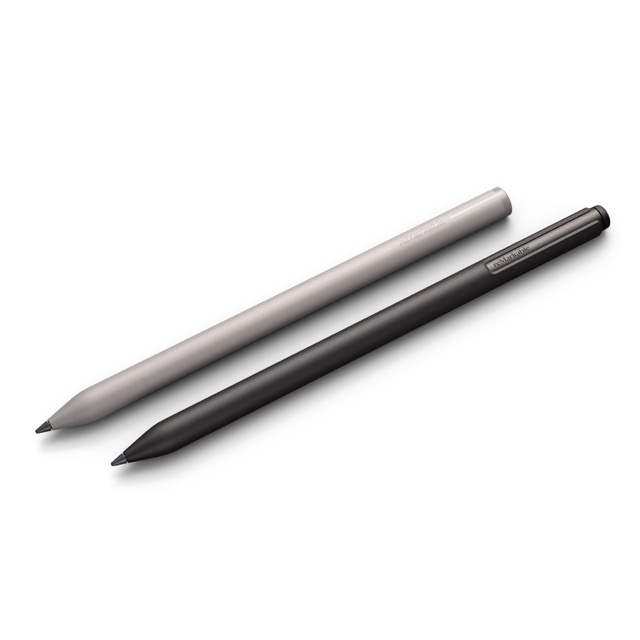
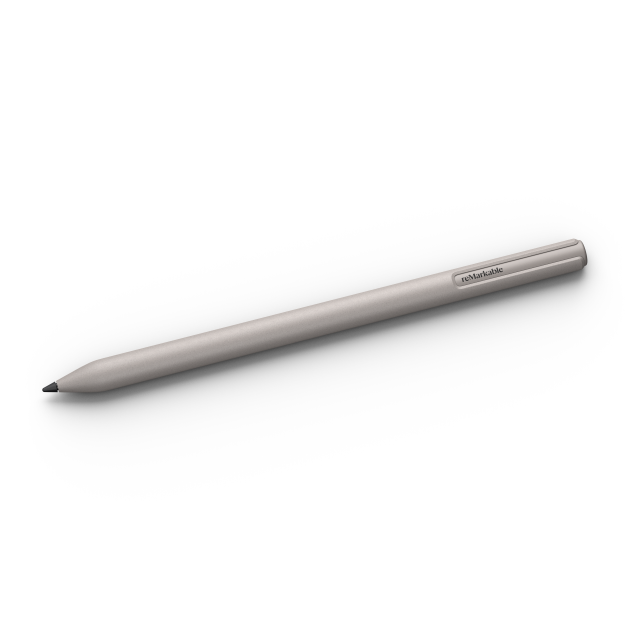
Marker specifications for reMarkable Paper Pure
- Size: 151.4 x 9.26 mm
- Weight: 12.6 g
- Color: Warm gray
- Marker tip: Carbon-filled high-friction tip
- Battery: 80 mAh
- Latency: 12 ms
- Pressure sensitivity: 4,096 levels
- Tilt detection: 60 degrees
- Built-in eraser: No

Marker specifications for reMarkable Paper Pro and Paper Pro Move
- Size: 157 x 9 mm
- Weight: 14 g
- Color: Warm gray
- Marker tip: Carbon-filled high-friction tip
- Battery: 80 mAh
- Latency: 12 ms
- Pressure sensitivity: 4,096 levels
- Tilt detection: 60 degrees
- Built-in eraser: No
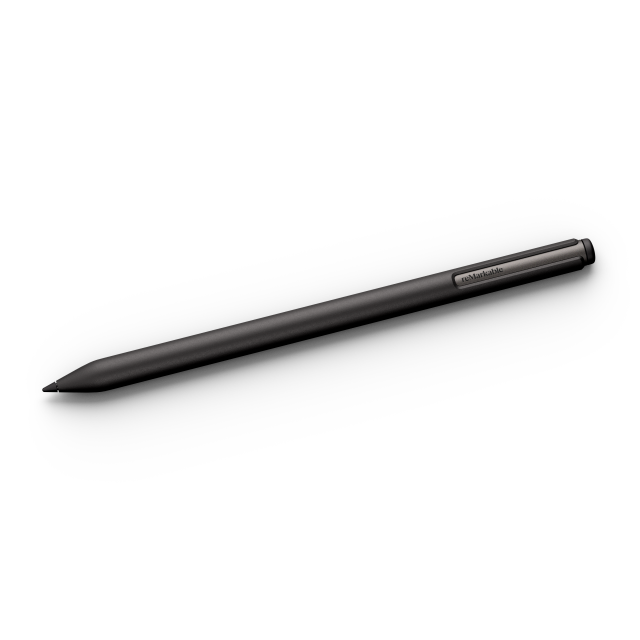
Marker Plus specifications
- Size: 160 x 9 mm
- Weight: 18.4 g
- Color: Warm black
- Marker tip: Carbon-filled high-friction tip
- Battery: 80 mAh
- Latency: 12 ms
- Pressure sensitivity: 4,096 levels
- Tilt detection: 60 degrees
- Built-in eraser: Yes
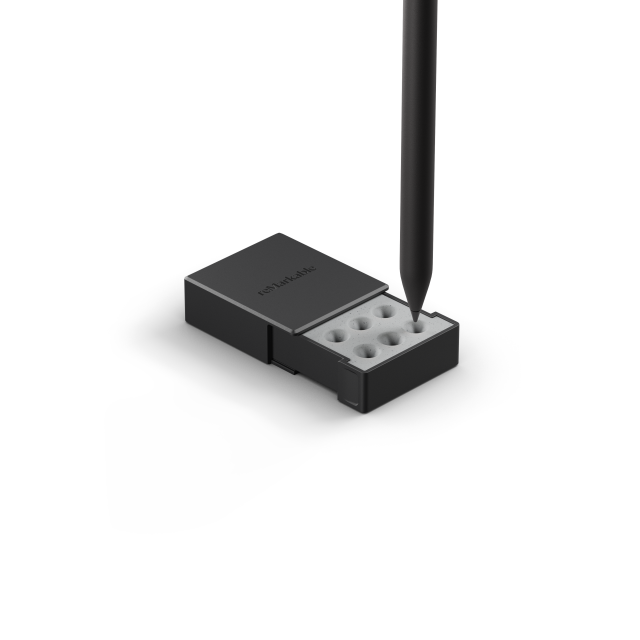
Marker tips
The Markers come with six extra tips, found in the Marker tip box.
Attaching, waking, and charging
To activate your new Marker, simply attach it to your paper tablet. You'll be asked to do this during the initial device setup.
On the right side of your paper tablet, you’ll see a flat area with a dark gray rectangle. This is where your Marker should be attached. Align your Marker with tip downwards, and it will snap into place magnetically. Once attached, your Marker is ready to use.
When you’re not using your Marker, you can attach it to your paper tablet to keep it safe. While attached, your Marker will charge. A battery indicator will briefly appear on the display to the left of where you attached the Marker, showing you how much charge is remaining.
Frequently asked questions
What’s the difference between Marker and Marker Plus?
Marker Plus has a textured finish for better grip and features a built-in eraser. When you need to erase something, flip Marker Plus upside down and erase like you would with a normal pencil.
When should I replace the Marker tip?
Each Marker tip should last you several months, but this estimate will vary depending on the pressure you apply when taking notes, and how frequently you use your paper tablet. If you feel like your writing isn’t as crisp as it should be, just replace the tip.
Do the Markers work with reMarkable 1 or 2?
No. These specific Markers are designed exclusively for reMarkable Paper Pro, reMarkable Paper Pro Move, and reMarkable Paper Pure.
Will other digital pens work on reMarkable Paper Pure, Paper Pro, or Paper Pro Move?
No, other digital pens, such as the Markers for reMarkable 2 or those developed by third parties, aren’t compatible with these paper tablets.
Where do I find my Marker’s serial number?
1. Attach your Marker to your paper tablet.
2. Tap the Menu in the upper-left corner, then Settings.
3. Under General, tap Marker. On the next screen, you’ll find your Marker’s serial number and firmware version.