You can now search across all your notes, both handwritten and typed text, with our updated search feature.
While search was previously limited to titles and typed text, this update makes everything you've written in your notebooks searchable at once.
This feature is available for Connect subscribers on software version 3.22 or newer.
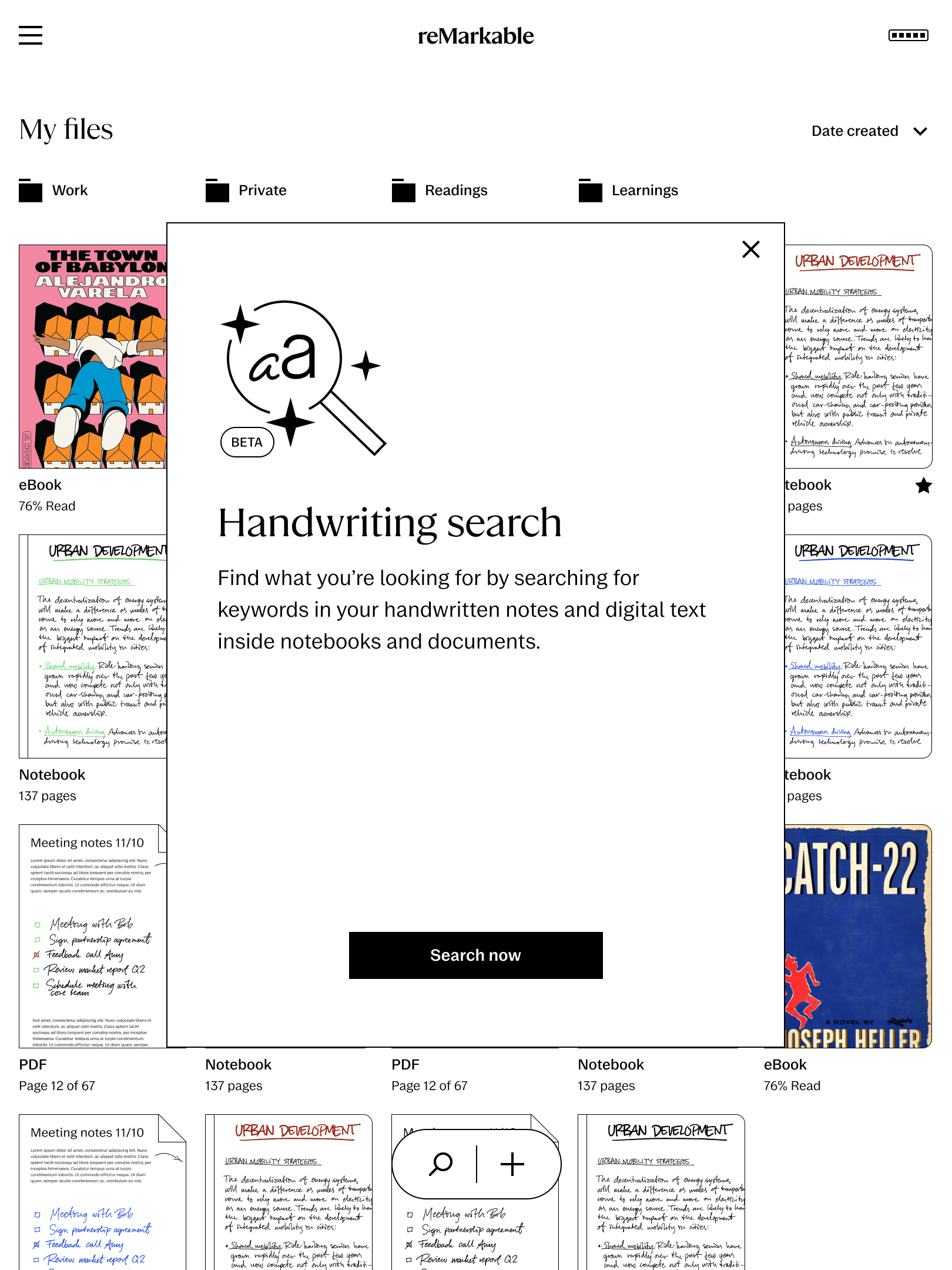
How to search your notes
1. From the home screen, tap the Search button.
2. Type your keywords into the search bar.
3. To narrow your results, you can filter by "Handwriting" to see only your handwritten notes and typed text from inside notebooks.
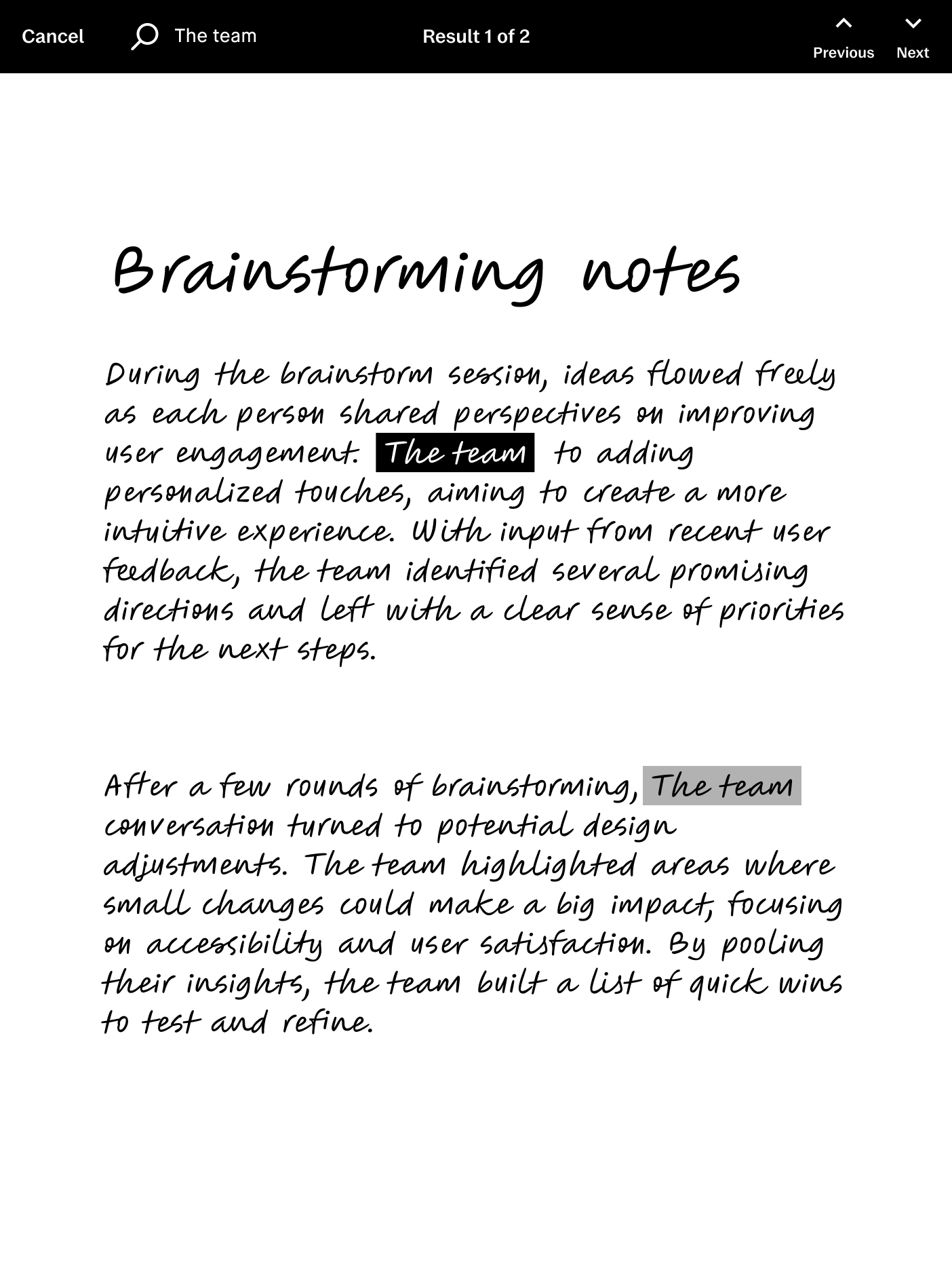
4. Tap on any search result to open the note directly to the correct page.
After updating, your device will start indexing your notes. This process allows the new search function to find both your handwritten and typed content.
You'll see a pop-up message on your screen once indexing is complete.
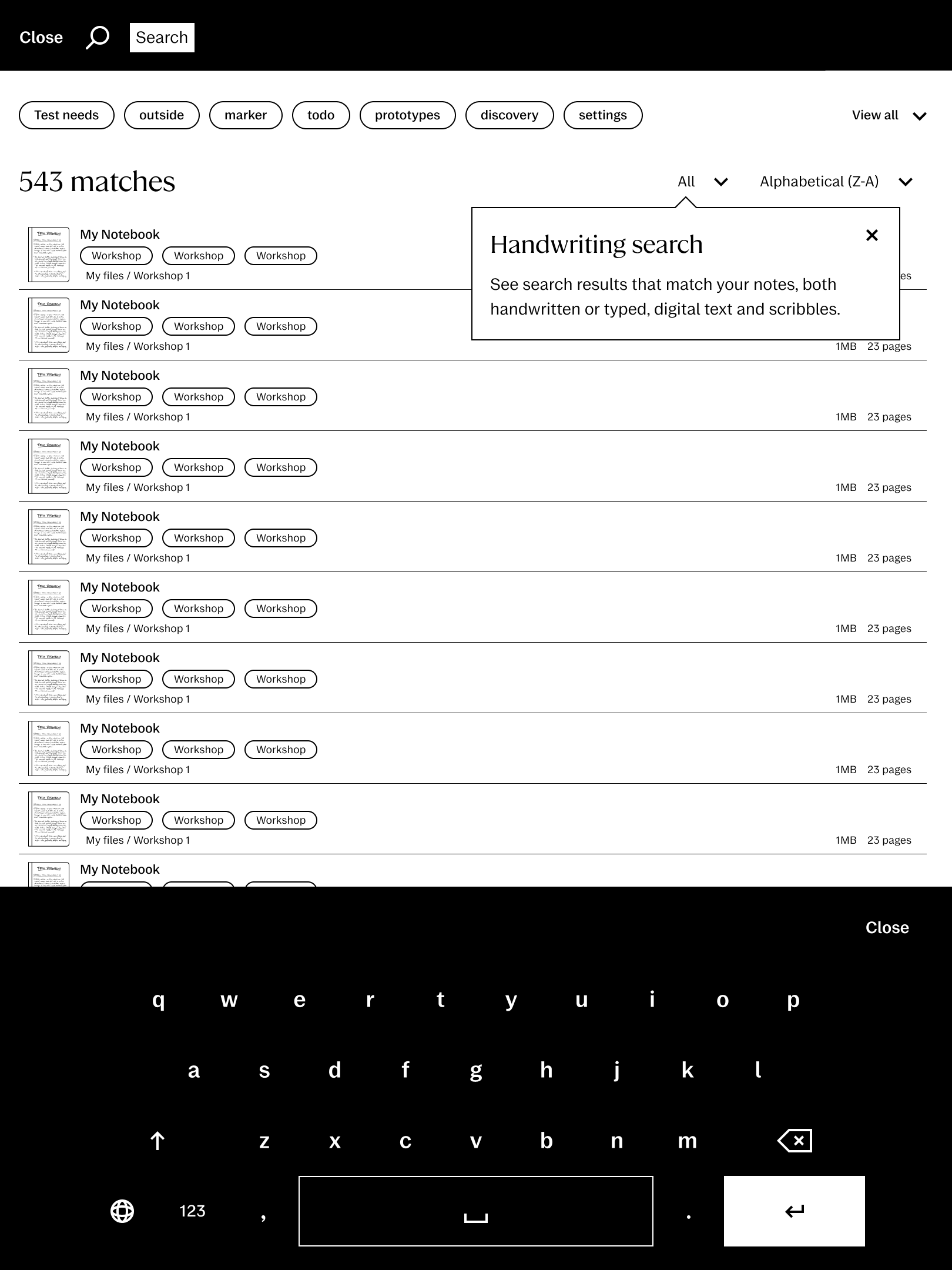
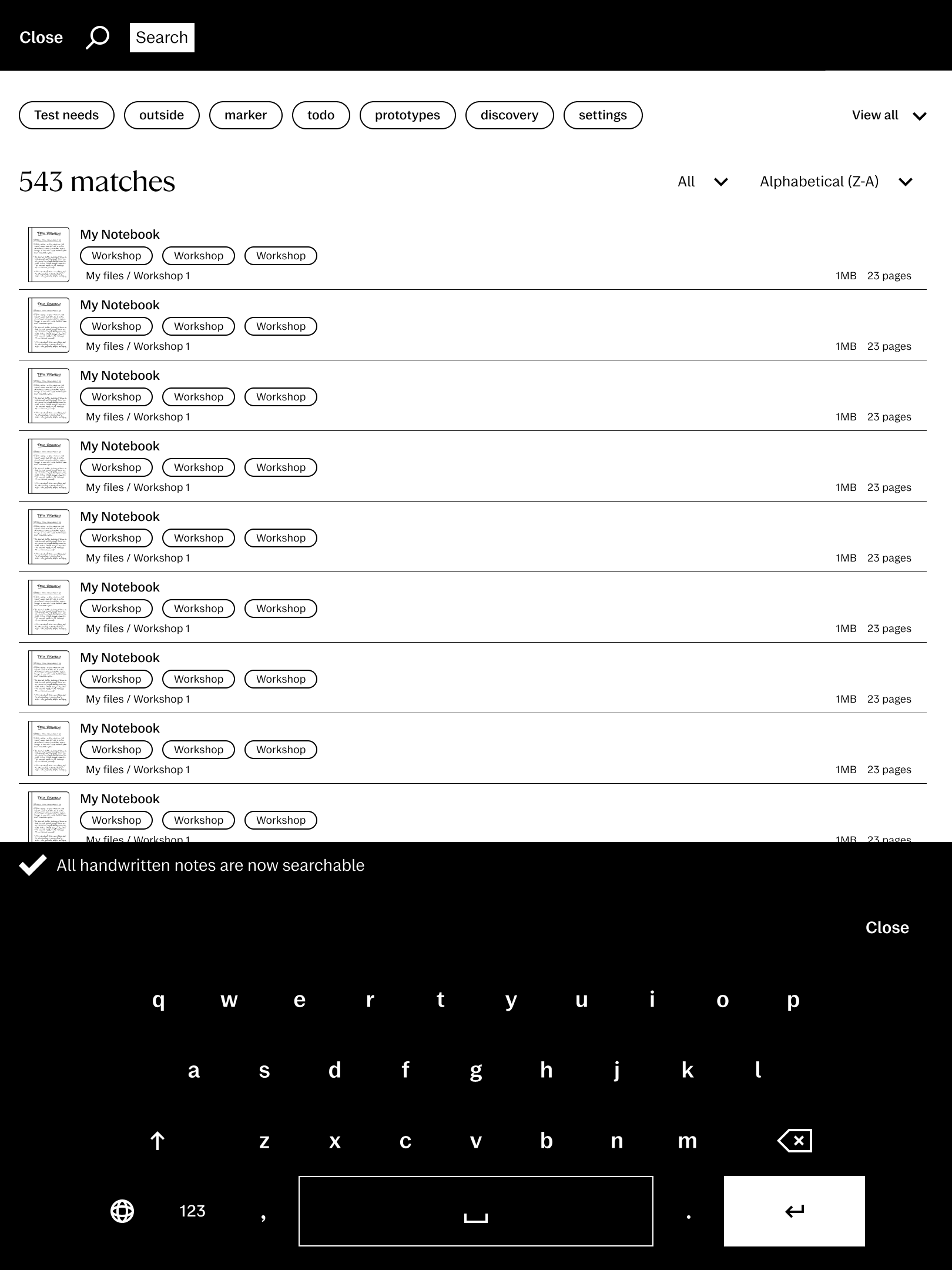
Please note that your notes will have to be indexed before they are searchable. The first time you gain access to Handwriting Search, indexing might take some time, as your device will have to index all your notes.
Whenever you write new notes, indexing will not happen immediately. Please give your device some minutes to make your notes available for Handwriting Search after writing.
Frequently asked questions
Who can use handwritten search?
This feature is available exclusively for Connect subscribers using software version 3.22 or newer.
Does it work on all document types?
No, this feature only works in notebooks and note pages. You can’t search within PDFs or EPUBs at this point.
Which technology is used for handwriting conversion?
We use MyScript, the same technology that powers the handwriting conversion tool in your documents.
Is this feature AI-powered?
No, the handwritten search doesn’t use AI or large language models.
Can I use the new search feature offline?
Yes. Once your notes are synced and indexed, you can search them at any time, even without an internet connection. To sync and index new notes, you'll need to connect to Wi-Fi.
Why are my recent notes not searchable?
Your device needs to index your writing before it is able to find them using search. This process does not happen immediately, and can take several minutes.