Your reMarkable paper tablet comes packed with a wide array of features to help you focus, think, create, and do more with your notes, regardless of if you subscribe to Connect.
Here’s what’s included with your reMarkable if you don't have a subscription:
Google Drive, Dropbox, and OneDrive integration
Access the most popular cloud storage services from your digital notebook with Integrations. Browse stored files, copy them to your reMarkable, and upload notes and documents directly to your Google Drive, Dropbox, or OneDrive accounts from your paper tablet.
Learn more about Integrations by reading this article: Integrating with Google Drive, Dropbox, and OneDrive
Handwriting conversion
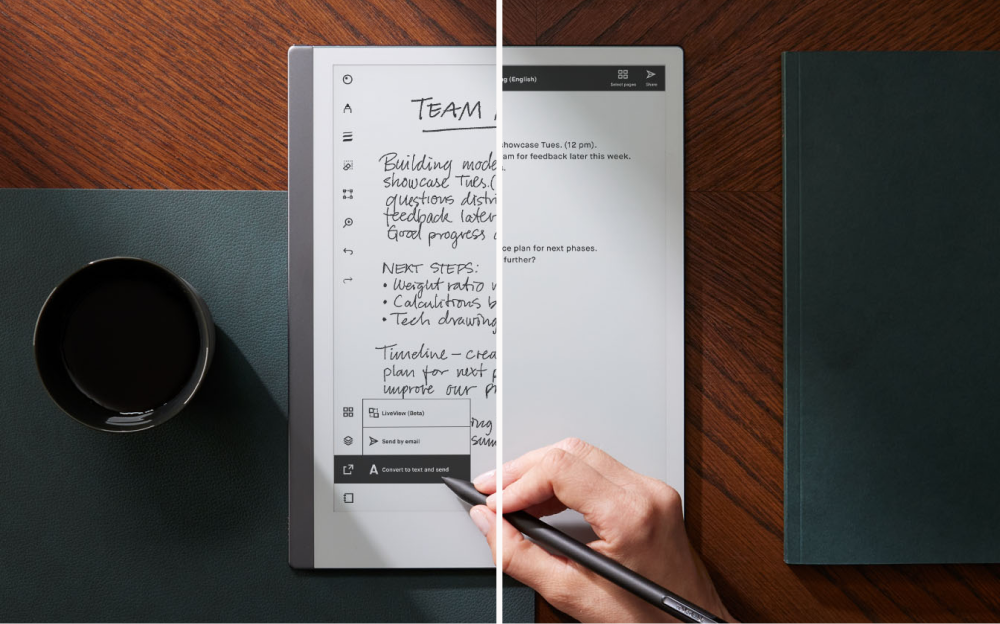
Handwriting conversion turns your handwritten notes into typed text that can be edited and shared by email. You need to be connected to Wi-Fi and logged in to your reMarkable account. Once you’ve updated your software to the latest version, you can convert multiple pages of notes into typed text, edit using the on-screen keyboard, and share by email.
Learn more about handwriting conversion by reading this article: Convert handwritten notes into text
Read on reMarkable
Send any web page, Microsoft Word document, or PowerPoint presentation to your paper tablet using Read on reMarkable. This feature needs to be installed separately in Google Chrome and Office.
Use the browser extension to send articles as PDFs or in a simplified text format to your device. You can also send Word and PowerPoint documents to your reMarkable as PDFs by using our add-ins for Microsoft Office.
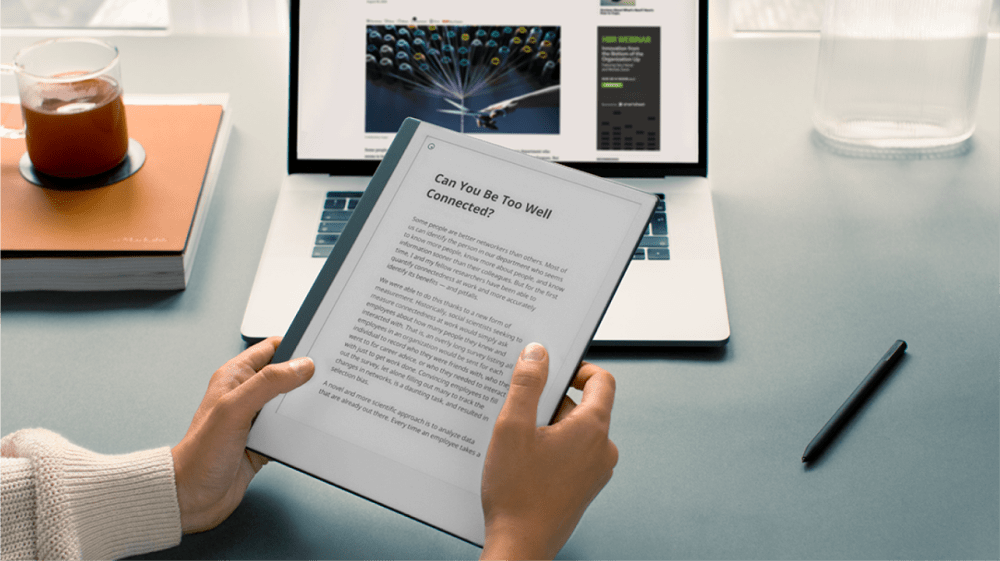
Once you’ve logged into your account and sent content to your reMarkable paper tablet, you can review, annotate, and focus on the task you’re working on without any distractions. Save web articles for later and build an offline reading list you can go back to when you have time.
Learn more about our Read on reMarkable - Google Chrome Extension and Read on reMarkable - Word and PowerPoint add-ins.
Screen Share
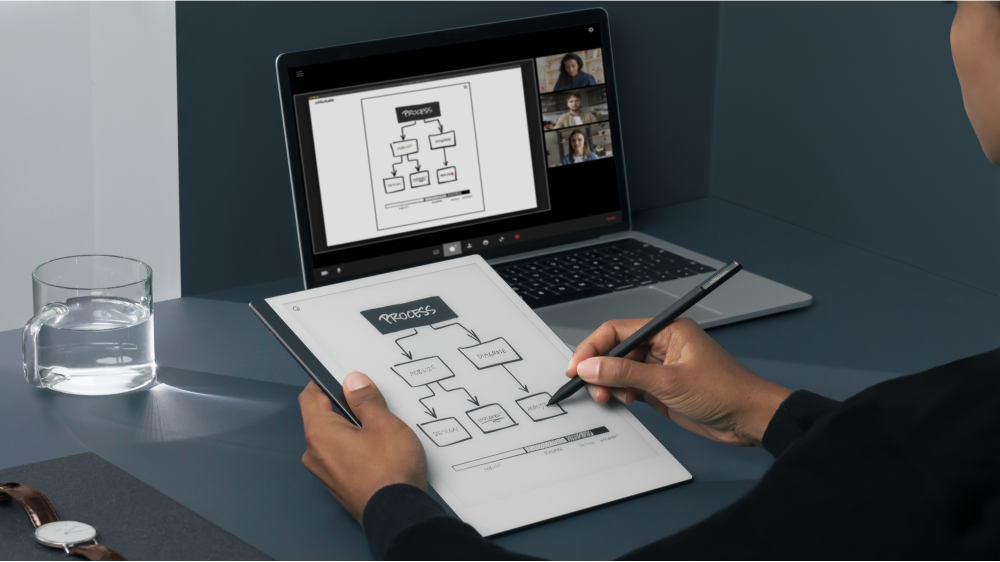
Use Screen Share to instantly present what you are writing or sketching on your computer using our desktop app. Share your reMarkable ideas directly on a big screen, write, draw and demonstrate tricky concepts live. Perfect for those digital meetings or presentations where you’d rather show than tell.
Learn more about Screen Share by reading this article: Screen Share
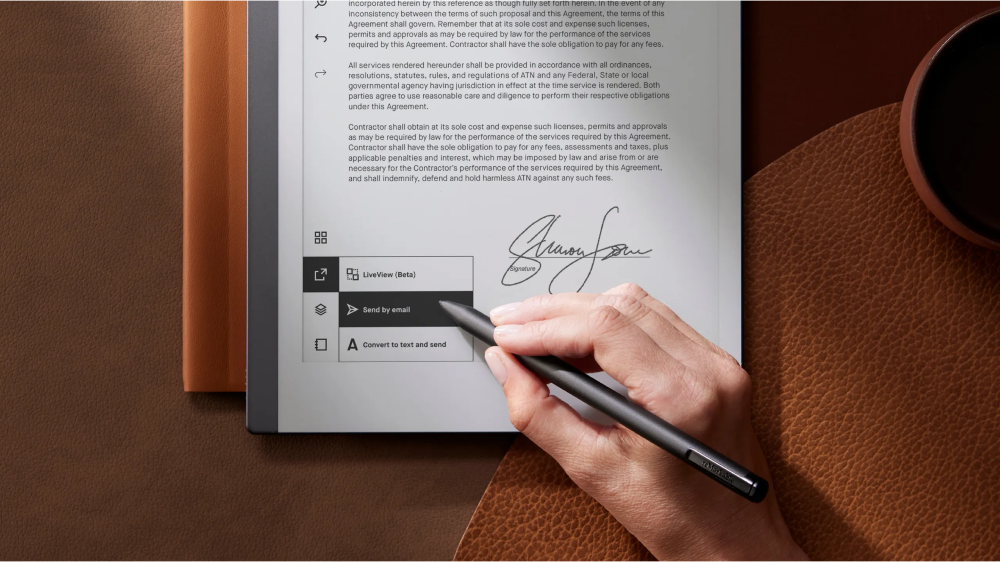
Send by email
Share your notebooks, PDFs, and ebooks by email from your reMarkable paper tablet with the Send by email feature. You can send items as PDFs, PNG, or SVG files.
Lean more about Send by email by reading this article: Send by email
Tags
Use Tags to easily organize the content on your reMarkable. Tags let you attach keywords to notes, documents, and folders, making them easier to find, browse, and filter when you’ve got a lot of different content to manage.
Learn more about tags by reading this article: Tags
See our Tools and functionality page for more information about the features on your reMarkable.
Limited cloud sync
Without a Connect subscription, you’ll have limited access to our cloud storage service through our mobile and desktop apps. Your notes will always be stored locally on your paper tablet, but only files used and synced online in the last 50 days will continue to be stored in the cloud and updated in our apps.
To enjoy unlimited cloud storage, as well as many other benefits, subscribe to Connect.